


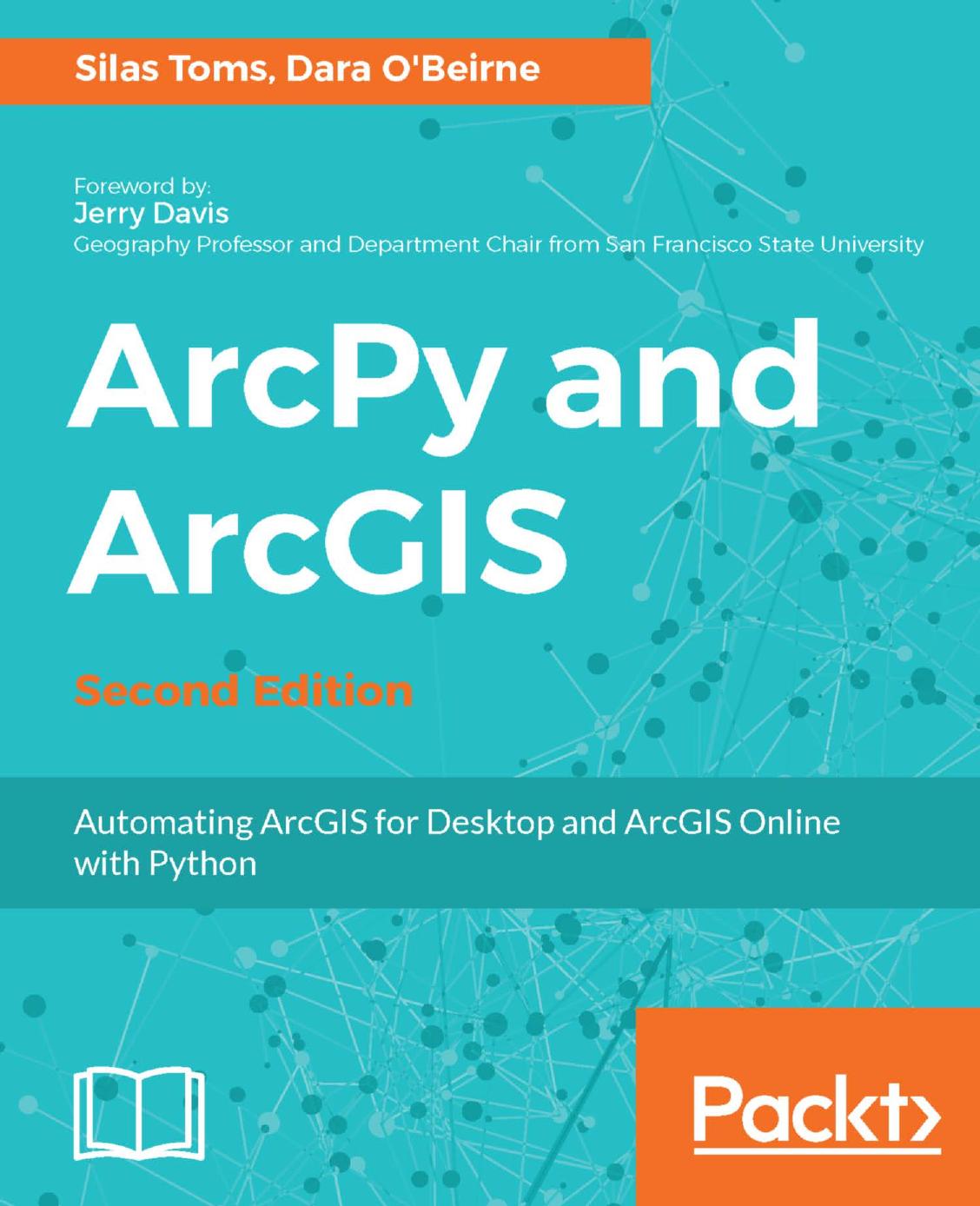
ArcPy and ArcGIS Automating ArcGIS for Desktop and ArcGIS Online with Python 2nd edition by Silas Toms, Dara O’Beirne ISBN 1787280411 9781787280410
Original price was: $70.00.$35.00Current price is: $35.00.
Instant download ArcPy and ArcGIS Automating ArcGIS for Desktop and ArcGIS Online with Python Toms Silas; O’Beirne Dara; after payment
ArcPy and ArcGIS Automating ArcGIS for Desktop and ArcGIS Online with Python 2nd edition by Silas Toms, Dara O’Beirne – Ebook PDF Instant Download/Delivery: 1787280411 , 9781787280410
Full download ArcPy and ArcGIS Automating ArcGIS for Desktop and ArcGIS Online with Python 2nd edition after payment
Product details:
ISBN 10: 1787280411
ISBN 13: 9781787280410
Author: Silas Toms, Dara O’Beirne
ArcGIS allows for complex analyses of geographic information. The ArcPy module is used to script these ArcGIS analyses, providing a productive way to perform geo-analyses and automate map production.
The second edition of the book focuses on new Python tools, such as the ArcGIS API for Python. Using Python, this book will guide you from basic Python scripting to advanced ArcPy script tools.
This book starts off with setting up your Python environment for ArcGIS automation. Then you will learn how to output maps using ArcPy in MXD and update feature class in a geodatabase using arcpy and ArcGIS Online. Next, you will be introduced to ArcREST library followed by examples on querying, updating and manipulating ArcGIS Online feature services. Further, you will be enabling your scripts in the browser and directly interacting with ArcGIS Online using Jupyter notebook. Finally, you can learn ways to use of ArcPy to control ArcGIS Enterprise and explore topics on deployments, data quality assurances, data updates, version control, and editing safeguards.
By the end of the book, you will be equipped with the knowledge required to create automated analysis with administration reducing the time-consuming nature of GIS.
ArcPy and ArcGIS Automating ArcGIS for Desktop and ArcGIS Online with Python 2nd Table of contents:
- Introduction to Python for ArcGIS
- Python as a programming language
- Interpreted language
- Standard (built-in) library
- Glue language
- Wrapper modules
- The basics of Python programming
- Import statements
- Variables
- For loops
- If/Elif/Else statements
- While statements
- Comments
- Data types
- Strings
- Integers
- Floats
- Data containers
- Zero-based indexing
- Lists
- Tuples
- Dictionaries
- Other important concepts
- Indentation
- Functions
- Keywords
- Namespaces
- Important Python modules
- The OS (operating system) module
- The sys (Python system) module
- The CSV, XLRD, and XLWT modules
- Commonly used built-in functions
- Standard library modules
- How Python executes a script
- What is a Python script?
- Python interpreter
- Where is the Python interpreter located?
- Which Python interpreter should be used?
- How does the machine know where the interpreter is?
- Make Python scripts executable when clicked
- Integrated Development Environments (IDEs)
- IDLE
- PythonWin
- Atom, Notepad++, and Sublime Text
- IDE summary
- Python folder structure
- Where modules reside
- Installing a third-party module
- Using Python’s sys module to add a module
- The sys.path.append method
- Summary
- Creating the First Python Script
- Prerequisites
- ModelBuilder
- Creating a model and exporting to Python
- Modeling the Select and Buffer tools
- Adding in the Intersect tool
- Tallying the analysis results
- Exporting the model and adjusting the script
- The Automatically generated script
- File paths in Python
- String manipulation
- String manipulation method 1: string addition
- String manipulation method 2: string formatting #1
- String manipulation method 3: string formatting #2
- The ArcPy tools
- The Intersect tool
- Adjusting the script
- Adding the CSV module to the script
- Accessing the data: using a cursor
- Exceptions and tracebacks
- Overwriting files
- The final script
- Summary
- ArcPy Cursors – Search, Insert, and Update
- Python functions – avoid repeating code
- Technical definition of functions
- The first function
- Functions with parameters
- Using functions to replace repetitive code
- The createCSV function
- Creating an XLS using XLWT
- The data access module
- Search cursors
- Attribute field interactions
- Update cursors
- Updating the shape field
- Adjusting a point location
- Deleting a row using an Update cursor
- Using an Insert cursor
- Inserting a polyline geometry
- Inserting a polygon geometry
- Summary
- ArcPy Geometry Objects and Cursors
- ArcPy geometry object classes
- ArcPy Point objects
- ArcPy Array objects
- ArcPy Polyline objects
- ArcPy Polygon objects
- Polygon object buffers
- Other Polygon object methods
- The AsShape method
- Generic geometry object
- ArcPy PointGeometry objects
- Rewriting the bus stop analysis
- Adding to the analysis
- Summary
- Creating a Script Tool
- Adding dynamic parameters to a script
- Accessing the passed parameters
- Displaying script messages using arcpy.AddMessage
- Adding dynamic components to the script
- Creating a script tool
- Labeling and defining parameters
- Adding data types
- Adding the Bus Stop feature class
- Adding the Census Block feature class
- Adding the Census Block field
- Adding the output spreadsheet
- Adding the spreadsheet field names
- Adding the SQL Statement
- Adding the bus stop fields
- Inspecting the final script
- Running the script tool
- Summary
- The arcpy.mapping Module
- Using ArcPy with map documents
- Interacting with map document elements
- Data frames
- Pan and zoom methods
- Using the arcpy.mapping module to control layer objects
- Layer object methods and properties
- Data source
- Name or description
- Visibility
- Definition queries
- Inspecting and replacing layer sources
- The ListBrokenDataSources method
- Fixing the broken links
- Fixing the links of individual layers
- Exporting to PDF from an MXD
- Automated map document production
- The variables
- Connection to the map document
- Data frames
- Access the layers
- The layout elements
- Generating a buffer from the bus stops feature class
- Intersecting the bus stop buffer and census blocks
- Format a dynamic definition query
- Updating the layout elements
- Exporting the adjusted map to PDF
- The Results – Dynamic maps
- Summary
- Advanced Analysis Topics
- Using Network Analyst
- Creating a network dataset
- Importing the datasets
- Creating the network dataset
- Accessing the network dataset using ArcPy
- Breaking down the script
- The Network Analyst module
- Accessing the Spatial Analyst extension
- Adding elevation to the bus stops
- Using Map algebra to generate elevation in feet
- Adding in the bus stops and getting elevation values
- The final result
- Summary
- Introduction to ArcGIS Online
- ArcGIS Online
- Signing up for an account
- Exploring the interface
- The My Organization tab
- The My Content tab
- The Add Item option
- Features from services
- Features from files
- The Create tab
- The Groups tab
- The Map and Scene tabs
- Publishing from an MXD
- Styling the layers
- Publishing the layers
- The Share As menu
- Service Editor
- The Item Description option
- Analyze
- Updates
- Developer account
- Summary
- ArcPy and ArcGIS Online
- ArcGIS Online REST services
- Exploring ArcGIS REST services
- URL parameters
- Feature sets
- Feature set methods
- ArcGIS Online tokens
- Putting it all together
- Summary
- ArcREST Python Package
- Introducing the ArcREST module
- Installing ArcREST
- Introduction to the ArcREST package structure
- ArcREST security handler
- ArcGIS Online administration
- Querying hosted feature services
- Querying all features and saving as a feature class
- Adding a field to a feature service
- Adding domains to fields in a hosted feature service
- Appending a feature class to a feature service
- Updating records in a feature service
- Summary
- ArcPy and ArcGIS Pro
- Introducing ArcGIS Pro
- Installing and configuring ArcGIS Pro
- The ArcGIS Pro Python window
- Python 2.7 and Python 3.5 with ArcPro
- Conda and ArcGIS Pro
- Running standalone scripts with Conda
- Reviewing Conda basics
- Summary
- ArcGIS API for Python
- Introduction to the ArcGIS API for Python
- Installing and configuring Anaconda with Jupyter
- Install the ArcGIS Python API
- Creating a Jupyter Notebook
- Starting the ArcGIS API for Python
- Adding an item to a web map
- Importing a CSV with pandas
- Summary
People also search for ArcPy and ArcGIS Automating ArcGIS for Desktop and ArcGIS Online with Python 2nd:
arcpy and arcgis api for python
arcpy map automation
arcpy basics
arcpy arcmap
arcpy book
Tags: Silas Toms, Dara O’Beirne, ArcGIS Automating, ArcGIS Online