


Exploring Adobe InDesign Creative Cloud 1st edition by Terry Rydberg – Ebook PDF Instant Download/Delivery: B00MEMT4PE , 978-1305446199
Full download Exploring Adobe InDesign Creative Cloud 1st edition after payment
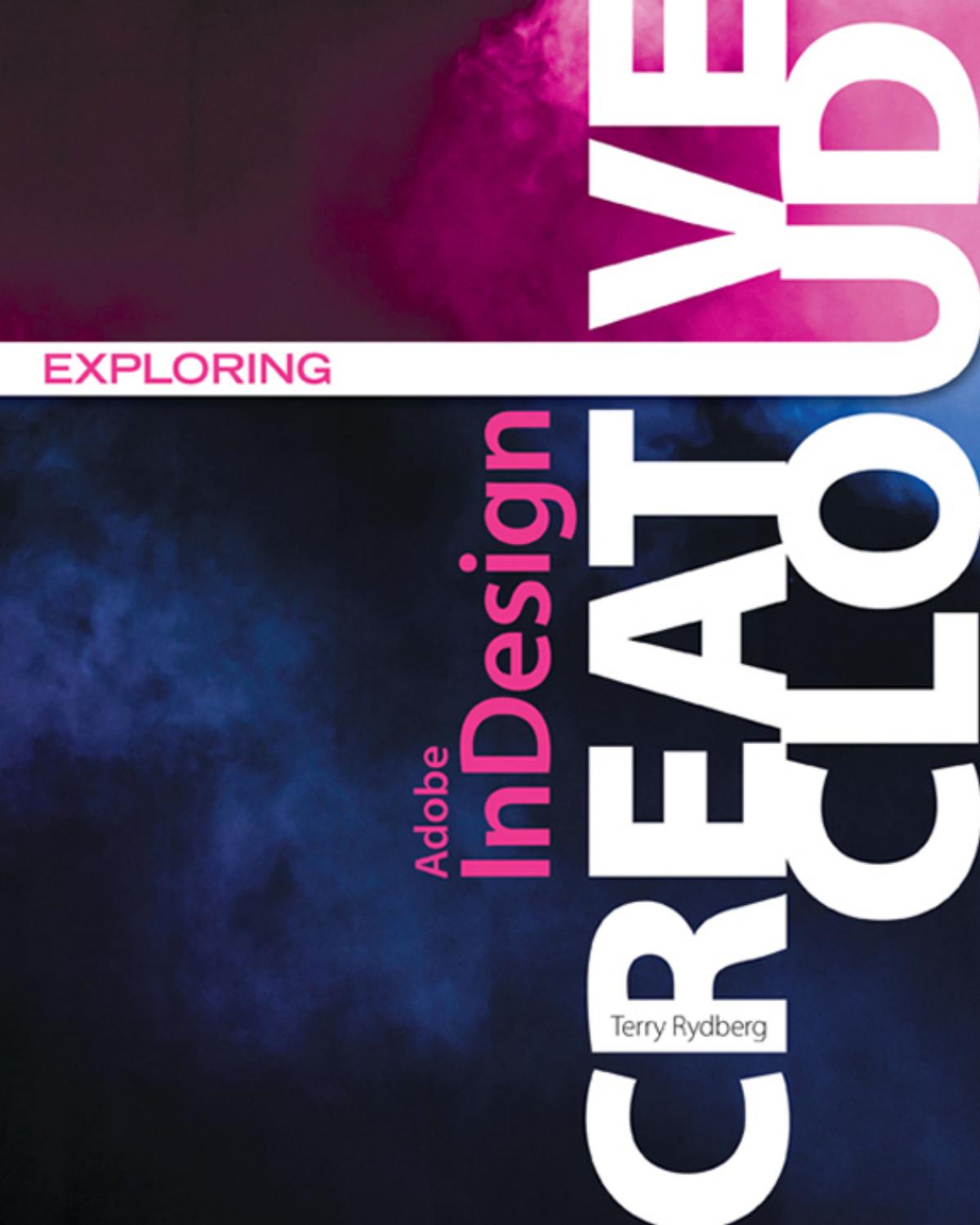
Product details:
ISBN 10: B00MEMT4PE
ISBN 13: 978-1305446199
Author: Terry Rydberg
With many software guides serving as high-tech “”recipe books,”” teaching cookie-cutter habits with little relevance to complex, real-world projects, EXPLORING ADOBE INDESIGN Creative Cloud takes a different approach. Emphasizing on fundamental design principles, critical thinking skills, and practical applications to prepare you for professional success, this unique text features step-by-step tutorials, vibrant illustrations, and realistic exercises to engage your interest while helping you develop essential software skills. Each chapter builds on what you have learned, guiding you from exploring basic operations to creating complex documents with confidence and efficiency. In addition to mastering InDesign–including standard functionality and features new to Creative Cloud–the text prepares you to analyze new design projects, identify potential challenges, develop effective strategies, and apply industry-standard principles and practices to execute your plans successfully. The Data Files used to complete the projects found in the book are now available online. For access information please refer to the directions available in the preface of the book.
Important Notice: Media content referenced within the product description or the product text may not be available in the ebook version.
Exploring Adobe InDesign Creative Cloud 1st Table of contents:
Chapter 1. The InDesign Workspace
Getting Started
What Is Your InDesign Learning Style?
Basic Information for Getting Started
Match InDesign’s Application Preferences to Those Used in Exploring Adobe InDesign
Change Application Preferences to Match Those Used in This Text.
Best Practices
Document Recovery
Project Assets
This Is a Textbook—Please, Don’t Skip the Projects!
The InDesign Workspace
The Document Window
The Menu Bar
The Toolbox
How to Use Panels
InDesign’s Basic Tools
Why Are There Two Frame Tools?
How to Navigate
The Application Bar
The Control Panel
Customize Your Workspace
Save Work and Find Lost Files
Print Your Document
Summary
In Review
Chapter 1 Project
Chapter 2. Type, Tools, and Terms
An Eye-Q Test
First Things, First
Select an Appropriate Typeface
The Context-Sensitive Control Panel
About Leading
Points, Picas, and Markup
A New System of Measurement
An Introduction to Typekit
The Production Sequence
Summary
In Review
Chapter 2 Projects
Chapter 3. The Fine Art of Setting Type
The Anatomy of Type
Calculate Point Size
Anatomical Parts of a Letter
Understand Hidden Characters
How InDesign Defines Paragraphs
Use Raised and Drop Caps
Manage Hyphenation Settings
Keep Words and Phrases on One Line
Apply Alignment Settings
Indent Copy
Balance Ragged Lines
Use Quotation Marks
Hang Punctuation
Use Hyphens and Dashes
Calculate Paragraph Line Measure
Proofreader’s Marks
Summary
In Review
Chapter 3 Projects
Chapter 4. Combine Type and Images
InDesign’s Measuring System
Locate, Change, Lock, and Unlock the Zero Point
The X and Y Coordinate System
Paths and Selection Tools
How to Manage Text
Create Columns within Text Frames
How to Place Text
How to Estimate Word Count
How to Manage Text Flow
About Threaded Text Frames
When to Use Threaded Frames
How to Underline Words and Characters
How to Create Paragraph Rules
How to Check Spelling
How to Use Tracking and Kerning
How to Work with Images
Place and Drop
Summary
In Review
Chapter 4 Projects
Chapter 5. Tabs and Tables
How to Work with Tabs
Marking Up—an Important Production Step!
The Tabs Panel
Set Basic Tabs
Last Thoughts on Tabs and a Glitch You Should Know about
How to Create Tables
Insert a Table
Table Projects
Add Headers and Footers to Tables
Summary
In Review
Chapter 5 Projects
Chapter 6. Grids, Guides and Aligning Objects
Back to the Basics
About Document Presets
About Bleeds and Slugs
Guides and Columns
Use Grids and Guides in Production
Use Grids and Guides to Align Elements
Use Setup Frames to Speed up Formatting
Align and Distribute Object Spacing
Other Object Management Techniques
Use Step and Repeat
Manage Object Stacking Order
Powerful Cut and Paste Commands
How to Group Elements
Control Panel Transformations
Summary
In Review
Chapter 6 Projects
Chapter 7. Text Wrap, Layers, and Effects
An Introduction to Text Wrap
An Introduction to Document Layers
Use Stacking Order to Build a Hamburger
The Layers Panel
Use Layers to Create Two Versions of a Document
Designing a CD Cover
The Effects Panel
Live Corner Effects
Summary
In Review
Chapter 7 Projects
Chapter 8. Paragraph and Character Styles
Newsletter Design
About Facing Pages
An Introduction to the Pages Panel
About Snippets
The Eyedropper Tool
How to Define Styles
Style Groups
How to Apply Styles
Use Styles to Complete Healthy Pets Newsletter
Manage Style Overrides
Find/Change
Print the Newsletter
Summary
In Review
Chapter 8 Projects
Chapter 9. Master Pages and Object Styles
The Pages Panel
What Are Master Pages?
A-Master: The Document Default
Basic Operations
Modify Master Items on the Document Level
Create a Document with Multiple Masters
Master Pages: Not Just for Complex Projects
Use Libraries and Object Styles
Libraries—Artwork at Your Fingertips
Object Styles save Time
Reset Object Style Defaults
Summary
In Review
Chapter 10. Identity Systems
Essential Project Information
General Design Considerations
How to Design Identity Packages
Letterhead Design Considerations
Envelope Design Considerations
Business Card Design Considerations
Newspaper Display Ad Design
Phone Book Ad Design
Letter Fold Brochure Design
Summary
In Review
Chapter 10 Projects
Chapter 11. Type as a Design Element
Type: A Versatile Design Element
Place Type on a Closed Shape
Passionate about Type
The Hamilton Wood Type & Printing Museum
Create Curved Button Text
Multi-Size Pages in a Single Document
Summary
In Review
Chapter 11 Projects
Chapter 12. Color Essentials
Characteristics of Color
Color: Transmitted or Reflected Light Waves
Spot and Process Color
Tools for Creating Color
The Swatches Panel
Use a Swatch Book to Select Colors
A Two-Color Bill Stuffer
Color Separations
Printer’s Marks and Printing Options
Other Print Dialog Box Options
Create Mixed Inks
The Midwest Quilters Convention
Summary
In Review
Chapter 12 Projects
Chapter 13. Production Essentials
An Introduction to Image Management
Input: Prepare Image Files for Use in InDesign
Dots, Pixels and Lines per Inch
Continuous Tone Artwork
Line Art
Art: Resolution Independent or Dependent
Bitmap (Raster) Images
From Input to Output: Images in InDesign
The Links Panel
How to Package Your Document
Summary
In Review
Chapter 13 Projects
Chapter 14. Basic Graphic Elements
Graphics Tools
Create a Shape with Specific Dimension
The Mighty Pen Tool
Summary
In Review
People also search for Exploring Adobe InDesign Creative Cloud 1st :
is indesign part of creative cloud
what is adobe creative cloud and how does it work
indesign adobe creative cloud
is adobe livecycle designer part of creative cloud
indesign adobe cloud