


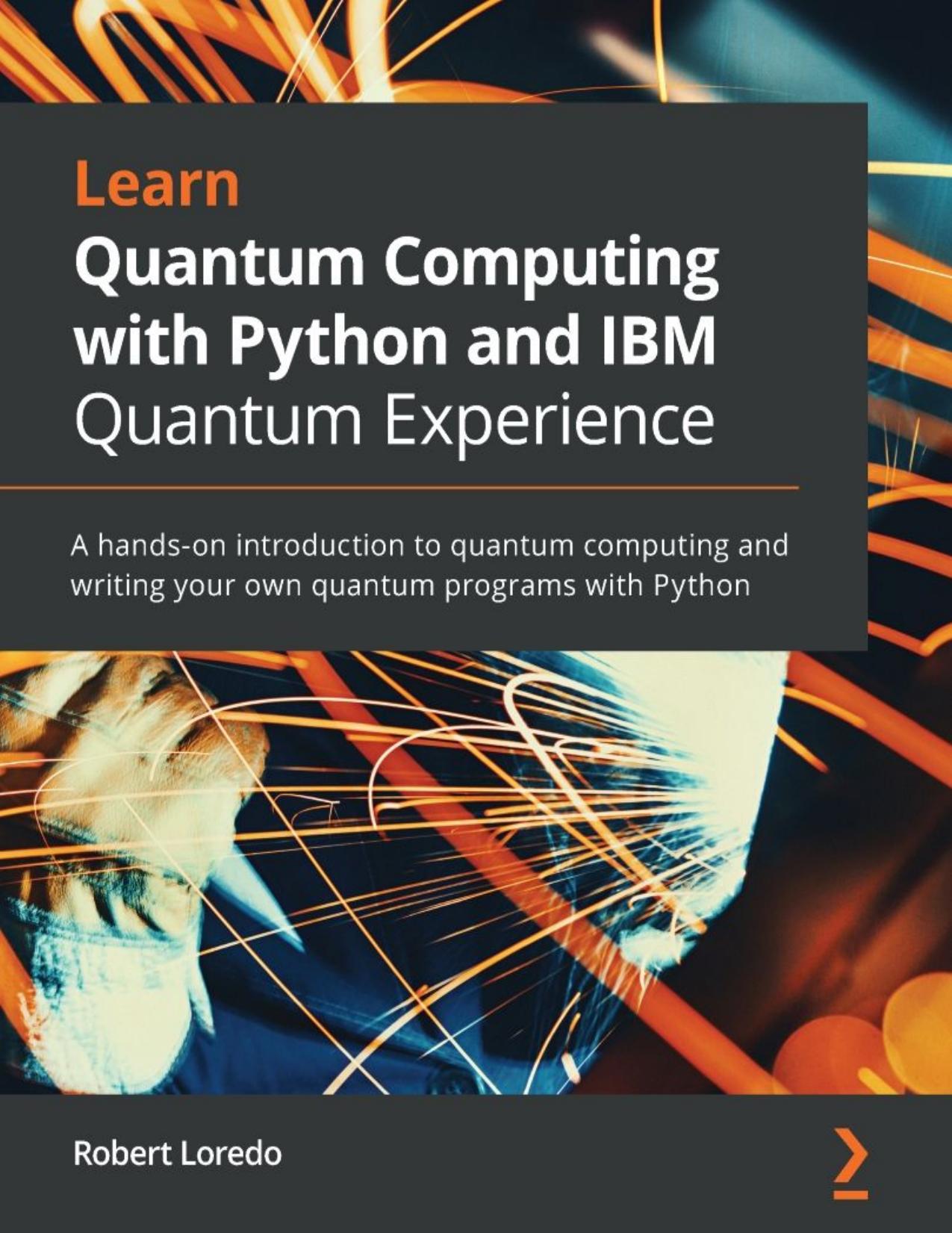
Learn Quantum Computing with Python and IBM Quantum Experience tum computing and writing your own quantum programs with Python 1st edition by Robert Loredo ISBN 1838986758 9781838986759
Original price was: $70.00.$35.00Current price is: $35.00.
Instant download Learn Quantum Computing with Python and IBM Quantum Experience tum computing and writing your own quantum programs with Python after payment
Learn Quantum Computing with Python and IBM Quantum Experience tum computing and writing your own quantum programs with Python 1st edition by Robert Loredo – Ebook PDF Instant Download/Delivery: 1838986758, 9781838986759
Full download Learn Quantum Computing with Python and IBM Quantum Experience tum computing and writing your own quantum programs with Python 1st edition after payment
Product details:
ISBN 10: 1838986758
ISBN 13: 9781838986759
Author: Robert Loredo
A step-by-step guide to learning the implementation and associated methodologies in quantum computing with the help of the IBM Quantum Experience, Qiskit, and Python that will have you up and running and productive in no time Key Features Determine the difference between classical computers and quantum computers Understand the quantum computational principles such as superposition and entanglement and how they are leveraged on IBM Quantum Experience systems Run your own quantum experiments and applications by integrating with Qiskit Book Description IBM Quantum Experience is a platform that enables developers to learn the basics of quantum computing by allowing them to run experiments on a quantum computing simulator and a real quantum computer. This book will explain the basic principles of quantum mechanics, the principles involved in quantum computing, and the implementation of quantum algorithms and experiments on IBM’s quantum processors. You will start working with simple programs that illustrate quantum computing principles and slowly work your way up to more complex programs and algorithms that leverage quantum computing. As you build on your knowledge, you’ll understand the functionality of IBM Quantum Experience and the various resources it offers. Furthermore, you’ll not only learn the differences between the various quantum computers but also the various simulators available. Later, you’ll explore the basics of quantum computing, quantum volume, and a few basic algorithms, all while optimally using the resources available on IBM Quantum Experience. By the end of this book, you’ll learn how to build quantum programs on your own and have gained practical quantum computing skills that you can apply to your business. What you will learn Explore quantum computational principles such as superposition and quantum entanglement Become familiar with the contents and layout of the IBM Quantum Experience Understand quantum gates and how they operate on qubits Discover the quantum information science kit and its elements such as Terra and Aer Get to grips with quantum algorithms such as Bell State, Deutsch-Jozsa, Grover’s algorithm, and Shor’s algorithm How to create and visualize a quantum circuit Who this book is for This book is for Python developers who are looking to learn quantum computing and put their knowledge to use in practical situations with the help of IBM Quantum Experience. Some background in computer science and high-school-level physics and math is required.
Learn Quantum Computing with Python and IBM Quantum Experience tum computing and writing your own quantum programs with Python 1st Table of contents:
Section 1: Tour of the IBM Quantum Experience (QX)
Chapter 1: Exploring the IBM Quantum Experience
-
1.1 Technical Requirements
-
1.2 Navigating the IBM Quantum Experience
-
1.3 Registering to the IBM Quantum Experience
-
1.4 Understanding the Personal Profile Tab
-
1.5 Getting Started with IBM Quantum Experience
-
1.6 Learning about Your Backends
-
1.7 Learning about Pending and Latest Results
-
1.8 Exploring My Account
-
1.9 Summary
-
1.10 Questions
Chapter 2: Circuit Composer – Creating a Quantum Circuit
-
2.1 Technical Requirements
-
2.2 Creating a Quantum Circuit Using the Composer
-
2.3 Launching the Composer Editor
-
2.4 Familiarizing Yourself with the Circuit Composer Components
-
2.5 Creating Our First Quantum Circuit
-
2.6 Building a Quantum Circuit with Classical Bit Behaviors
-
2.7 Building a Coin-Flipping Experiment
-
2.8 Entangling Two Coins Together
-
2.9 Summary
-
2.10 Questions
Chapter 3: Creating Quantum Circuits Using Quantum Lab Notebooks
-
3.1 Technical Requirements
-
3.2 Creating a Quantum Circuit Using Quantum Lab Notebooks
-
3.3 Launching a Notebook from the Quantum Lab
-
3.4 Familiarizing Yourself with the Quantum Lab Components
-
3.5 Opening and Importing Existing Quantum Lab Notebooks
-
3.6 Developing a Quantum Circuit on Quantum Lab Notebooks
-
3.7 Reviewing the Results of Your Quantum Circuit on Quantum Lab Notebooks
-
3.8 Executing a Quantum Circuit on a Quantum Computer
-
3.9 Summary
-
3.10 Questions
Section 2: Basics of Quantum Computing
Chapter 4: Understanding Basic Quantum Computing Principles
-
4.1 Technical Requirements
-
4.2 Introducing Quantum Computing
-
4.3 Understanding Superposition
-
4.4 Learning about Classical Randomness
-
4.5 Preparing a Qubit in a Superposition State
-
4.6 Understanding Entanglement
-
4.7 Learning about the Effects of Interference Between Qubits
-
4.8 Creating a Quantum Teleportation Circuit
-
4.9 Executing the Quantum Teleportation Circuit
-
4.10 Summary
-
4.11 Questions
Chapter 5: Understanding the Quantum Bit (Qubit)
-
5.1 Technical Requirements
-
5.2 Learning About Quantum Bits (Qubits)
-
5.3 Reviewing the Classic Bit
-
5.4 Understanding the Qubit
-
5.5 Visualizing the State Vector of a Qubit
-
5.6 Creating the Bloch Sphere Representation of a Qubit
-
5.7 Understanding Multi-Qubits
-
5.8 Learning About Superconducting Qubits
-
5.9 Coupling the Qubits Together
-
5.10 Summary
-
5.11 Questions
Chapter 6: Understanding Quantum Logic Gates
-
6.1 Technical Requirements
-
6.2 Reviewing Classical Logic Gates
-
6.3 Understanding Unitary Operators
-
6.4 Summary
-
6.5 Questions
Section 3: Algorithms, Noise, and Other Strange Things in Quantum World
Chapter 7: Introducing Qiskit and its Elements
-
7.1 Technical Requirements
-
7.2 Understanding Quantum and Classical System Interconnections
-
7.3 Reviewing the Quantum Programming Process
-
7.4 Understanding How to Organize and Interact with Qiskit
-
7.5 Understanding Qiskit Basics and Its Elements
-
7.5.1 Terra
-
7.5.2 Aer
-
7.5.3 Ignis
-
7.5.4 Aqua
-
-
7.6 Installing and Configuring Qiskit on Your Local Machine
-
7.6.1 Preparing the Installation
-
7.6.2 Installing Anaconda
-
7.6.3 Installing Qiskit
-
7.6.4 Configuring Your Local Qiskit Environment
-
-
7.7 Getting Support from the Qiskit Community
-
7.7.1 Introducing the Qiskit Community
-
7.7.2 Contributing to the Qiskit Community
-
-
7.8 Summary
-
7.9 Questions
Chapter 8: Programming with Qiskit Terra
-
8.1 Technical Requirements
-
8.2 Understanding Quantum Circuits
-
8.3 Creating a Quantum Circuit
-
8.4 Obtaining Circuit Properties and Analysis
-
8.5 Customizing and Parameterizing Circuit Libraries
-
8.6 Generating Pulse Schedules on Hardware
-
8.7 Learning About Instructions
-
8.8 Understanding Pulses and Pulse Libraries
-
8.9 Generating and Executing Schedules
-
8.10 Scheduling Existing Quantum Circuits
-
8.11 Leveraging Provider Information
-
8.12 Learning About the IBM Quantum Experience Components
-
8.13 Summary
-
8.14 Questions
Chapter 9: Monitoring and Optimizing Quantum Circuits
-
9.1 Technical Requirements
-
9.2 Monitoring and Tracking Jobs
-
9.3 Optimizing Circuits Using the Transpiler
-
9.4 Transformation of a Quantum Circuit
-
9.5 Optimizing the Circuit by Leveraging the Layout Optimizer
-
9.6 Learning About Backend Configuration and Optimization
-
9.7 Understanding Passes and Pass Managers
-
9.8 Visualizing and Enhancing Circuit Graphs
-
9.9 Learning About Customized Visual Circuits
-
9.10 Drawing the DAG of a Circuit
-
9.11 Summary
-
9.12 Questions
Chapter 10: Executing Circuits Using Qiskit Aer
-
10.1 Technical Requirements
-
10.2 Understanding the Differences Between the Aer Simulators
-
10.3 Viewing All Available Backends
-
10.4 Running Circuits on the Qasm Simulator
-
10.5 Adding Parameters to the Backend Options
-
10.6 Initializing the Qubits on a Circuit
-
10.7 Running Circuits on the Statevector Simulator
-
10.8 Running Circuits on the Unitary Simulator
-
10.9 Running Circuits on the Pulse Simulator
-
10.10 Generating Noise Models
-
10.11 Understanding Decoherence (T1 and T2)
-
10.12 Understanding Single-Gate, Multi-Gate, and Readout Errors
-
10.13 Building Your Own Noise Model
-
10.14 Executing Quantum Circuits with Custom Noise Models
-
10.15 Adding Custom Noise Models to Our Circuits
-
10.16 Summary
-
10.17 Questions
Chapter 11: Mitigating Quantum Errors Using Ignis
-
11.1 Technical Requirements
-
11.2 Generating Noise Effects of Relaxation
-
11.3 Generating Noise Models and Test Circuits
-
11.4 Estimating T1 Decoherence Times
-
11.5 Generating the Noise Effects of Dephasing
-
11.6 Generating and Executing T2 Circuits
-
11.7 Estimating T2 Decoherence Times
-
11.8 Generating and Executing T2 Test Circuits*
-
11.9 Estimating the T2 Dephasing Time*
-
11.10 Mitigating Readout Errors
-
11.11 Summary
-
11.12 Questions
-
11.13 Further Reading
Chapter 12: Learning About Qiskit Aqua
-
12.1 Technical Requirements
-
12.2 Understanding the Components and Their Usability
-
12.3 Initializing a Fixed Quantum State
-
12.4 Creating a Neural Network Discriminator
-
12.5 Implementing State Function Operators
-
12.6 Using Aqua Utilities to Simplify Your Work
-
12.7 Familiarizing Yourself with the Quantum Algorithms in Aqua
-
12.8 Implementing the Logical Expression Oracle
-
12.9 Implementing a Truth Table Oracle
-
12.10 Creating Your First Classical/Quantum Application (Simon’s)
-
12.11 Stating Simon’s Problem
-
12.12 Implementing Simon’s Algorithm
-
12.13 Summary
-
12.14 Questions
Chapter 13: Understanding Quantum Algorithms
-
13.1 Technical Requirements
-
13.2 Understanding the Meaning of Outperforming Classical Systems
-
13.3 Understanding the Bell States Algorithm
-
13.4 Learning About Deutsch’s Algorithm
-
13.5 Understanding the Deutsch-Jozsa Algorithm
-
13.6 Learning About the Foundational Oracle-Based Quantum Algorithm
-
13.7 Learning About the Bernstein-Vazirani Algorithm
-
13.8 Summary
-
13.9 Questions
Chapter 14: Applying Quantum Algorithms
-
14.1 Technical Requirements
-
14.2 Understanding Periodic Quantum Algorithms
-
14.3 Learning Simon’s Algorithm
-
14.4 Learning About the Quantum Fourier Transform Algorithm
-
14.5 Understanding Shor’s Algorithm
-
**14.6 Learning About Grover
‘s Search Algorithm**
-
14.7 Understanding the Problem
-
14.8 Implementing Grover’s Search Algorithm
People also search for Learn Quantum Computing with Python and IBM Quantum Experience tum computing and writing your own quantum programs with Python 1st:
learn quantum computing with python and q# a hands-on approach
learn quantum computing with python and qiskit
learn quantum computing with python and qiskit pdf
learn quantum computing with python and ibm quantum
learn quantum computing with python pdf
Tags:
Robert Loredo,Learn Quantum,writing your,IBM Quantum