


R for Everyone Advanced Analytics and Graphics 2nd edition by Jared Lander – Ebook PDF Instant Download/Delivery: 0134546995 , 9780134546995
Full download R for Everyone Advanced Analytics and Graphics 2nd edition after payment
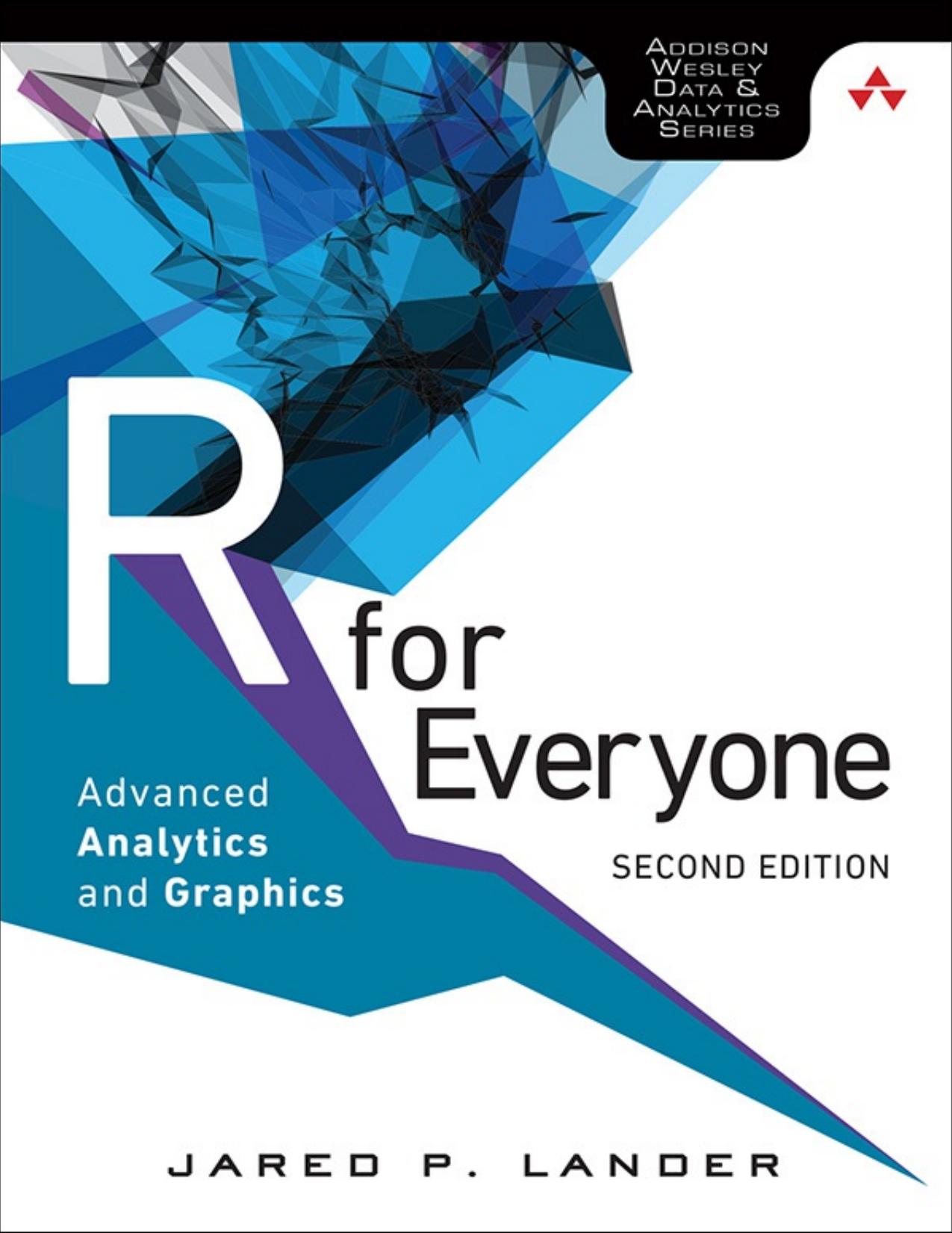
Product details:
ISBN 10: 0134546995
ISBN 13: 9780134546995
Author: Jared Lander
Statistical Computation for Programmers, Scientists, Quants, Excel Users, and Other Professionals Using the open source R language, you can build powerful statistical models to answer many of your most challenging questions. R has traditionally been difficult for non-statisticians to learn, and most R books assume far too much knowledge to be of help. R for Everyone, Second Edition, is the solution. Drawing on his unsurpassed experience teaching new users, professional data scientist Jared P. Lander has written the perfect tutorial for anyone new to statistical programming and modeling. Organized to make learning easy and intuitive, this guide focuses on the 20 percent of R functionality you’ll need to accomplish 80 percent of modern data tasks. Lander’s self-contained chapters start with the absolute basics, offering extensive hands-on practice and sample code. You’ll download and install R; navigate and use the R environment; master basic program control, data import, manipulation, and visualization; and walk through several essential tests. Then, building on this foundation, you’ll construct several complete models, both linear and nonlinear, and use some data mining techniques. After all this you’ll make your code reproducible with LaTeX, RMarkdown, and Shiny. By the time you’re done, you won’t just know how to write R programs, you’ll be ready to tackle the statistical problems you care about most. Coverage includes Explore R, RStudio, and R packages Use R for math: variable types, vectors, calling functions, and more Exploit data structures, including data.frames, matrices, and lists Read many different types of data Create attractive, intuitive statistical graphics Write user-defined functions Control program flow with if, ifelse, and complex checks Improve program efficiency with group manipulations Combine and reshape multiple datasets Manipulate strings using R’s facilities and regular expressions Create normal, binomial, and Poisson probability distributions Build linear, generalized linear, and nonlinear models Program basic statistics: mean, standard deviation, and t-tests Train machine learning models Assess the quality of models and variable selection Prevent overfitting and perform variable selection, using the Elastic Net and Bayesian methods Analyze univariate and multivariate time series data Group data via K-means and hierarchical clustering Prepare reports, slideshows, and web pages with knitr Display interactive data with RMarkdown and htmlwidgets Implement dashboards with Shiny Build reusable R packages with devtools and Rcpp Register your product at informit.com/register for convenient access to downloads, updates, and corrections as they become available.
R for Everyone Advanced Analytics and Graphics 2nd Table of contents:
1. Getting R
1.1 Downloading R
1.2 R Version
1.3 32-bit vs. 64-bit
1.4 Installing
1.4.1 Installing on Windows
1.4.2 Installing on Mac OS X
1.4.3 Installing on Linux
1.5 Microsoft R Open
1.6 Conclusion
2. The R Environment
2.1 Command Line Interface
2.2 RStudio
2.2.1 RStudio Projects
2.2.2 RStudio Tools
2.2.3 Git Integration
2.3 Microsoft Visual Studio
2.4 Conclusion
3. R Packages
3.1 Installing Packages
3.1.1 Uninstalling Packages
3.2 Loading Packages
3.2.1 Unloading Packages
3.3 Building a Package
3.4 Conclusion
4. Basics of R
4.1 Basic Math
4.2 Variables
4.2.1 Variable Assignment
4.2.2 Removing Variables
4.3 Data Types
4.3.1 Numeric Data
4.3.2 Character Data
4.3.3 Dates
4.3.4 Logical
4.4 Vectors
4.4.1 Vector Operations
4.4.2 Factor Vectors
4.5 Calling Functions
4.6 Function Documentation
4.7 Missing Data
4.7.1 NA
4.7.2 NULL
4.8 Pipes
4.9 Conclusion
5. Advanced Data Structures
5.1 data.frames
5.2 Lists
5.3 Matrices
5.4 Arrays
5.5 Conclusion
6. Reading Data into R
6.1 Reading CSVs
6.1.1 read_delim
6.1.2 fread
6.2 Excel Data
6.3 Reading from Databases
6.4 Data from Other Statistical Tools
6.5 R Binary Files
6.6 Data Included with R
6.7 Extract Data from Web Sites
6.7.1 Simple HTML Tables
6.7.2 Scraping Web Data
6.8 Reading JSON Data
6.9 Conclusion
7. Statistical Graphics
7.1 Base Graphics
7.1.1 Base Histograms
7.1.2 Base Scatterplot
7.1.3 Boxplots
7.2 ggplot2
7.2.1 ggplot2 Histograms and Densities
7.2.2 ggplot2 Scatterplots
7.2.3 ggplot2 Boxplots and Violins Plots
7.2.4 ggplot2 Line Graphs
7.2.5 Themes
7.3 Conclusion
8. Writing R functions
8.1 Hello, World!
8.2 Function Arguments
8.2.1 Default Arguments
8.2.2 Extra Arguments
8.3 Return Values
8.4 do.call
8.5 Conclusion
9. Control Statements
9.1 if and else
9.2 switch
9.3 ifelse
9.4 Compound Tests
9.5 Conclusion
10. Loops, the Un-R Way to Iterate
10.1 for Loops
10.2 while Loops
10.3 Controlling Loops
10.4 Conclusion
11. Group Manipulation
11.1 Apply Family
11.1.1 apply
11.1.2 lapply and sapply
11.1.3 mapply
11.1.4 Other apply Functions
11.2 aggregate
11.3 plyr
11.3.1 ddply
11.3.2 llply
11.3.3 plyr Helper Functions
11.3.4 Speed versus Convenience
11.4 data.table
11.4.1 Keys
11.4.2 data.table Aggregation
11.5 Conclusion
12. Faster Group Manipulation with dplyr
12.1 Pipes
12.2 tbl
12.3 select
12.4 filter
12.5 slice
12.6 mutate
12.7 summarize
12.8 group_by
12.9 arrange
12.10 do
12.11 dplyr with Databases
12.12 Conclusion
13. Iterating with purrr
13.1 map
13.2 map with Specified Types
13.2.1 map_int
13.2.2 map_dbl
13.2.3 map_chr
13.2.4 map_lgl
13.2.5 map_df
13.2.6 map_if
13.3 Iterating over a data.frame
13.4 map with Multiple Inputs
13.5 Conclusion
14. Data Reshaping
14.1 cbind and rbind
14.2 Joins
14.2.1 merge
14.2.2 plyr join
14.2.3 data.table merge
14.3 reshape2
14.3.1 melt
14.3.2 dcast
14.4 Conclusion
15. Reshaping Data in the Tidyverse
15.1 Binding Rows and Columns
15.2 Joins with dplyr
15.3 Converting Data Formats
15.4 Conclusion
16. Manipulating Strings
16.1 paste
16.2 sprintf
16.3 Extracting Text
16.4 Regular Expressions
16.5 Conclusion
17. Probability Distributions
17.1 Normal Distribution
17.2 Binomial Distribution
17.3 Poisson Distribution
17.4 Other Distributions
17.5 Conclusion
18. Basic Statistics
18.1 Summary Statistics
18.2 Correlation and Covariance
18.3 T-Tests
18.3.1 One-Sample T-Test
18.3.2 Two-Sample T-Test
18.3.3 Paired Two-Sample T-Test
18.4 ANOVA
18.5 Conclusion
19. Linear Models
19.1 Simple Linear Regression
19.1.1 ANOVA Alternative
19.2 Multiple Regression
19.3 Conclusion
20. Generalized Linear Models
20.1 Logistic Regression
20.2 Poisson Regression
20.3 Other Generalized Linear Models
20.4 Survival Analysis
20.5 Conclusion
21. Model Diagnostics
21.1 Residuals
21.2 Comparing Models
21.3 Cross-Validation
21.4 Bootstrap
21.5 Stepwise Variable Selection
21.6 Conclusion
22. Regularization and Shrinkage
22.1 Elastic Net
22.2 Bayesian Shrinkage
22.3 Conclusion
23. Nonlinear Models
23.1 Nonlinear Least Squares
23.2 Splines
23.3 Generalized Additive Models
23.4 Decision Trees
23.5 Boosted Trees
23.6 Random Forests
23.7 Conclusion
24. Time Series and Autocorrelation
24.1 Autoregressive Moving Average
24.2 VAR
24.3 GARCH
24.4 Conclusion
25. Clustering
25.1 K-means
25.2 PAM
25.3 Hierarchical Clustering
25.4 Conclusion
26. Model Fitting with Caret
26.1 Caret Basics
26.2 Caret Options
26.2.1 caret Training Controls
26.2.2 Caret Search Grid
26.3 Tuning a Boosted Tree
26.4 Conclusion
27. Reproducibility and Reports with knitr
27.1 Installing a LATEX Program
27.2 LATEX Primer
27.3 Using knitr with LATEX
27.4 Conclusion
28. Rich Documents with RMarkdown
28.1 Document Compilation
28.2 Document Header
28.3 Markdown Primer
28.4 Markdown Code Chunks
28.5 htmlwidgets
28.5.1 datatables
28.5.2 leaflet
28.5.3 dygraphs
28.5.4 threejs
28.5.5 d3heatmap
28.6 RMarkdown Slideshows
28.7 Conclusion
29. Interactive Dashboards with Shiny
29.1 Shiny in RMarkdown
29.2 Reactive Expressions in Shiny
29.3 Server and UI
29.4 Conclusion
30. Building R Packages
30.1 Folder Structure
30.2 Package Files
30.2.1 DESCRIPTION File
30.2.2 NAMESPACE File
30.2.3 Other Package Files
30.3 Package Documentation
30.4 Tests
30.5 Checking, Building and Installing
30.6 Submitting to CRAN
30.7 C++ Code
30.7.1 sourceCpp
30.7.2 Compiling Packages
30.8 Conclusion
A. Real-Life Resources
A.1 Meetups
A.2 Stack Overflow
A.3 Twitter
A.4 Conferences
A.5 Web Sites
A.6 Documents
A.7 Books
A.8 Conclusion
B. Glossary
List of Figures
List of Tables
General Index
Index of Functions
Index of Packages
Index of People
Data Index
Code Snippets
People also search for R for Everyone Advanced Analytics and Graphics 2nd :
r for everyone advanced analytics and graphics 2e
r for everyone advanced analytics and graphics pdf
r for everyone advanced analytics and graphics 2nd edition
jared p lander r for everyone advanced analytics and graphics
r for everyone advanced analytics and graphics 2e book
Tags: Jared Lander, Advanced Analytics